How does it know how many restraints I need?
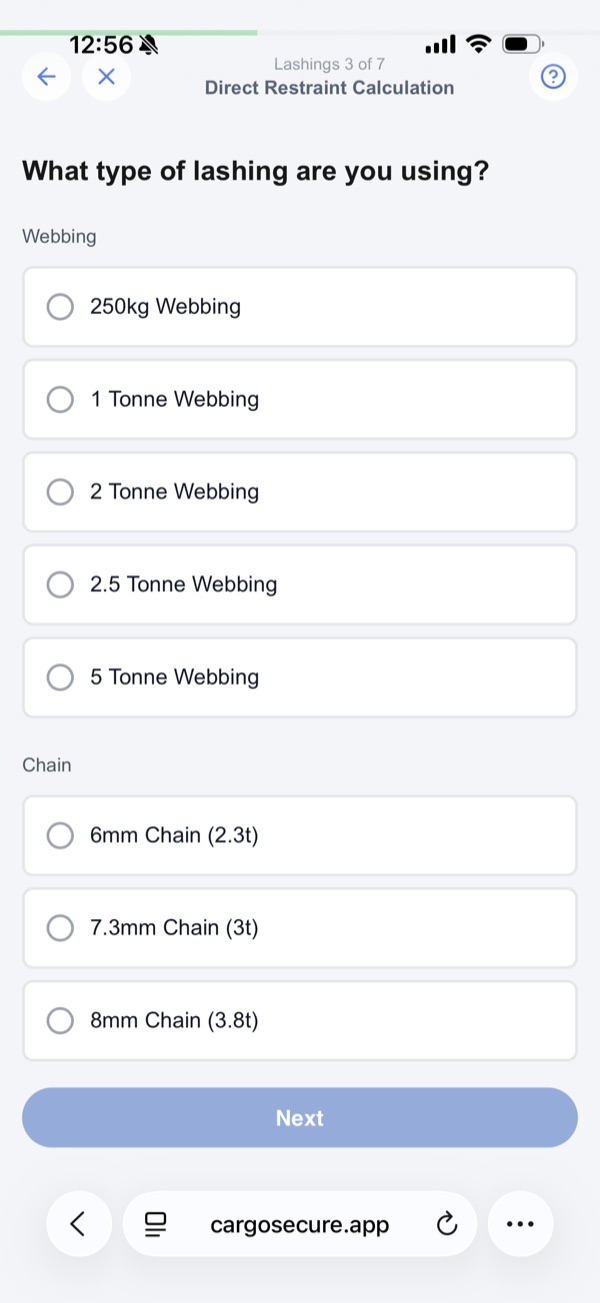
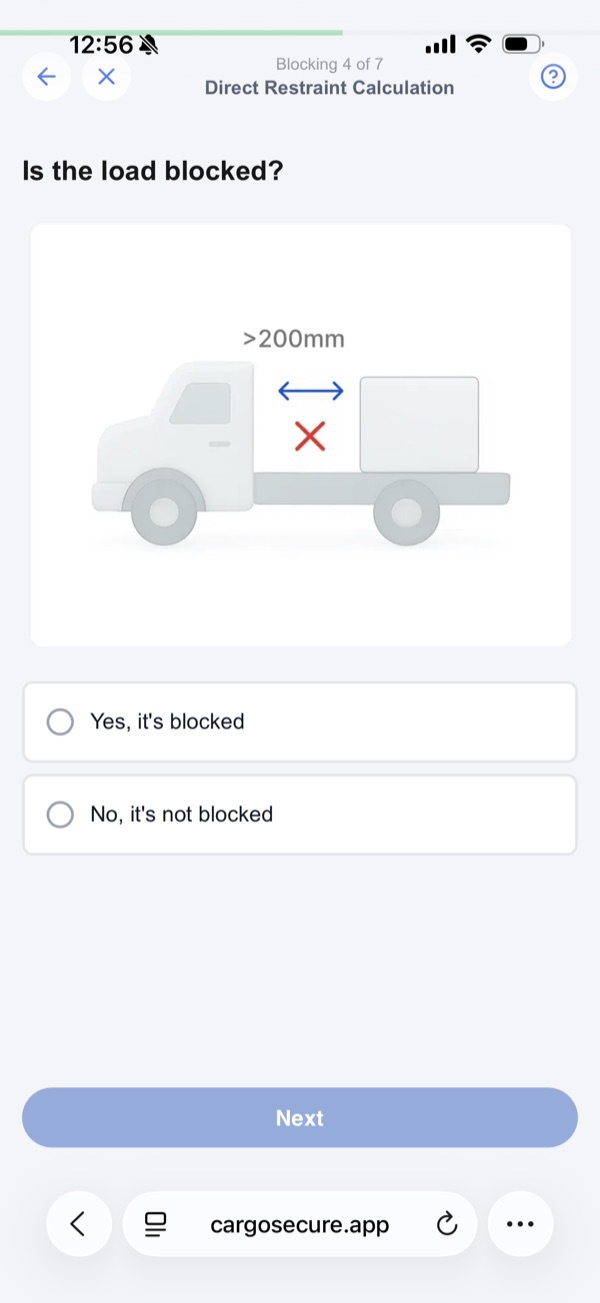
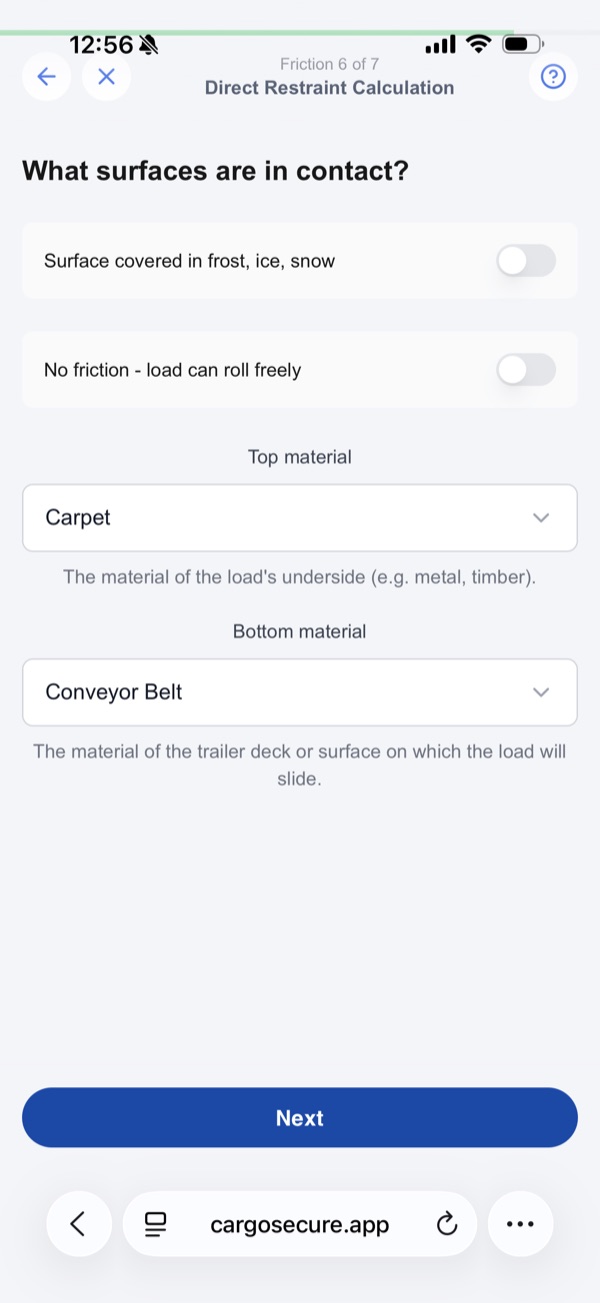
You walk through a short, guided sequence — load weight, lashing type, angle, and whether the load is blocked. Cargo Secure runs the calculation against the NHVR Load Restraint Guide and gives you a clear result. If it isn't compliant, it suggests alternatives like switching lashings, using different load binders, or increasing friction — one tap to update and check again.
Which load restraint method does it use?
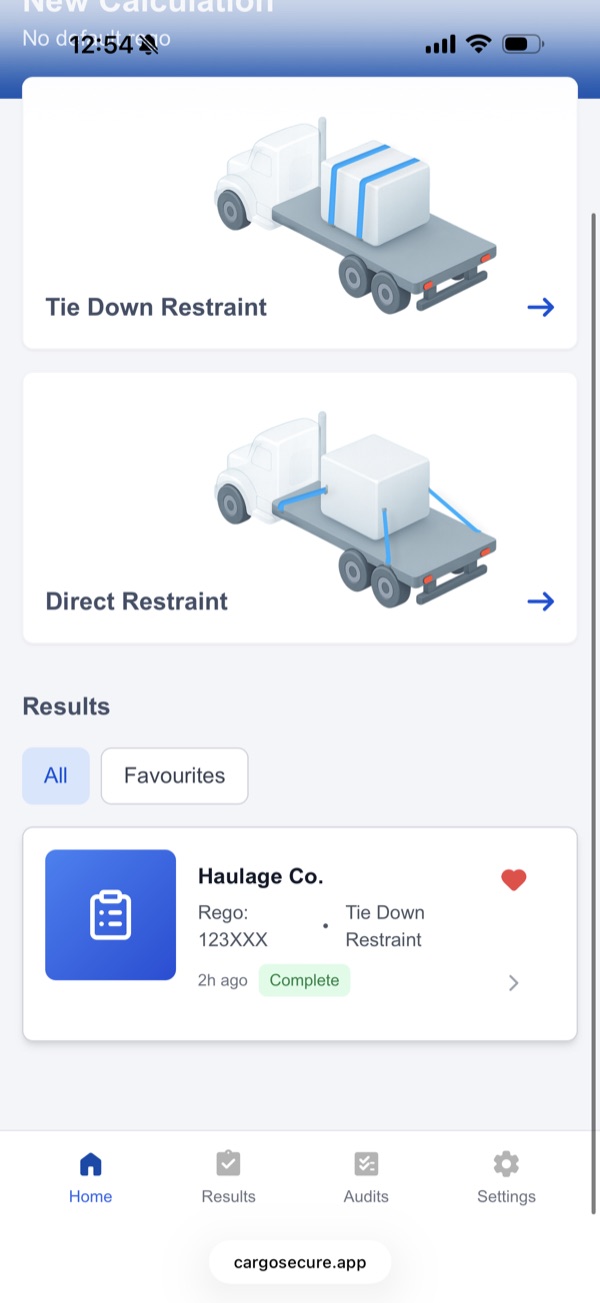
Both. Cargo Secure has two calculators — Tie-Down (for friction-based lashings like webbing straps over the load) and Direct Restraint (for lashings connected directly to anchor points). You pick whichever fits the job. Both are built around the NHVR Load Restraint Guide.
What evidence does it produce?
Cargo Secure produces a signed, time-stamped PDF for every load — including photos. Records cover the operator, the load details, the method used, the validation result, and the signature. Everything you'd need if you were audited, produced before anyone asks.
Can we customise the look and feel for our fleet?
Yes — Cargo Secure can be tailored to your brand. We work with operators on colour, logo, typography and PDF templates, and for larger fleets we can scope deeper customisation including SSO and integrations. Get in touch to discuss what fits your operation.
Will it integrate with our existing systems?
Yes — for larger operations, Cargo Secure can connect to your TMS and other operational systems. We'll scope the integration work with your ops and IT teams as part of the rollout.
What about the technical details behind the calculations?
Cargo Secure's calculations are built by Australian engineers who know the NHVR Load Restraint Guide inside and out — covering g-force thresholds, friction coefficients, and performance standards across all restraint directions. If you'd like to dig into the methodology, get in touch and we'll connect you with our technical team.